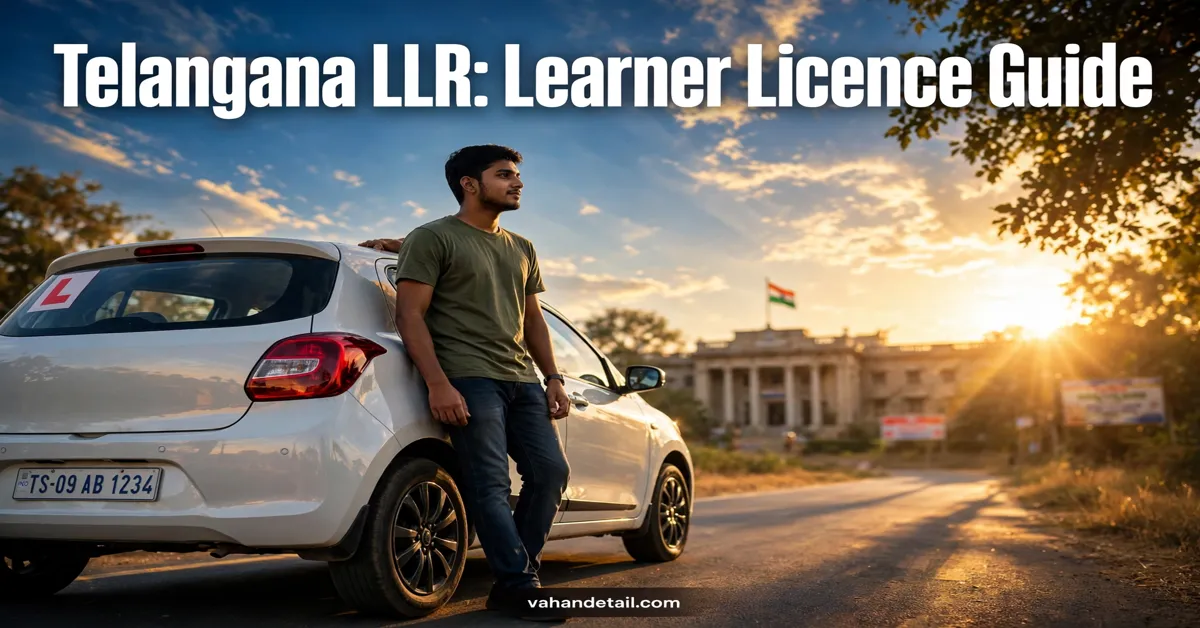
Telangana LLR: Learner Licence Apply Online Guide
A Telangana LLR learner licence is the provisional licence you must hold before you can apply for a permanent driving licence in Telangana. You can apply for it online through the Telangana transport portal or the Sarathi portal, fill in your details, upload your documents, book a test slot, and then appear for the learner licence test. Once you pass the test, your learner licence is issued, and you can start learning to drive on public roads under the conditions printed on it.
Getting your LLR is the first real step toward driving legally in Telangana. It is not a full driving licence, and it comes with conditions, but without it you cannot book a driving test for a permanent licence. The online process has made this step much easier than it used to be. You no longer need to stand in long queues at an RTO office just to submit a form. Most of the work, from filling the application to booking your slot, can be done from home, and you only visit the office or test centre for the test itself.
This guide walks you through the whole process in plain language: who can apply, which documents you need, how the online application works, what the learner test looks like, and what to do after you receive your LLR. It also covers common problems, so you can avoid the mistakes that cause most delays.
What Is a Telangana LLR Learner Licence
A learner licence, often shortened to LLR (Learner’s Licence Registration in common usage), is a temporary permit that allows you to learn driving on public roads. In Telangana, it is issued by the Transport Department after you pass a basic theory test on traffic rules, road signs, and safe driving practices.
A learner licence is a provisional licence, not a permanent driving licence. It is valid for six months from the date of issue, and within that period you are expected to practise driving and then apply for a permanent driving licence. If the six months pass and you have not applied for a permanent licence, you will need to apply for a fresh learner licence.
While holding an LLR, you must follow the conditions printed on it. The most important condition is that you must drive only under the supervision of a person who already holds a valid permanent driving licence for the same class of vehicle. You must also display the letter “L” on the vehicle as required, and you must carry your learner licence whenever you drive.
Who Can Apply for an LLR in Telangana
The eligibility rules for a learner licence are the same across India, and Telangana follows them. The key rules are simple, and it helps to check them before you start your application so you do not waste a slot.
- You must be at least 16 years old to apply for a licence for a gearless two wheeler up to 50cc, with the consent of a parent or guardian.
- You must be at least 18 years old to apply for a licence for other two wheelers, cars, and other non transport vehicles.
- You must be medically fit to drive, and for certain categories a medical certificate may be required.
- You must know the basic traffic rules and road signs, because the learner test checks exactly that knowledge.
- You must have valid proof of age, proof of address, and a recent photograph, as listed in the documents section below.
If you are applying for a commercial or transport vehicle category later, additional age and experience rules apply at the permanent licence stage. For the LLR stage, the age and document rules above are the main gates. If you are unsure which vehicle class to choose, pick the class you actually plan to learn and drive, because your permanent licence will be based on the same class.
Documents Needed for a Telangana LLR Application
Keep scanned copies of your documents ready before you start the online form. Clear scans save you from rejection, because blurred or cropped documents are one of the most common reasons an application is sent back for correction.
| Document | What it proves | Tips |
|---|---|---|
| Proof of age | Your date of birth | Birth certificate, school certificate, passport, or Aadhaar card as accepted on the portal |
| Proof of address | Your current Telangana address | Aadhaar card, voter ID, passport, or utility bill in your name as accepted on the portal |
| Photograph | Your identity | A recent passport size photograph with a plain background |
| Signature | Your identity on the licence | A clear signature on white paper, scanned without shadows |
| Medical certificate | Fitness to drive, where required | Needed for certain categories and for applicants above the prescribed age, check the portal for your category |
| Parent or guardian consent | Consent for applicants below 18 years | Required only for the 16 to 18 year gearless category |
If your address proof shows an old address, update it first or carry a supporting document, because a mismatch between your application and your proof can delay verification. Similarly, make sure the name spelling matches across your documents. Even a small spelling difference can cause a query at the verification stage.
How to Apply for Telangana LLR Online Step by Step
The online application runs through the Sarathi portal, which is the national driving licence portal, and Telangana services are also linked from the Telangana transport portal. The broad flow is the same whichever entry point you use, and the steps below describe it in order.
- Open the Sarathi portal and select Telangana as your state, then choose the option for a new learner licence application.
- Fill in your personal details exactly as they appear on your proof documents, including your name, date of birth, address, and mobile number.
- Select the vehicle class you want to learn, such as a two wheeler or a light motor vehicle, and confirm it before moving ahead.
- Upload scanned copies of your documents, your photograph, and your signature in the formats and sizes shown on the portal.
- Pay the prescribed fee online through the payment gateway. The fee varies by category, so always check the exact amount shown on the portal for your application.
- Book your learner test slot at your chosen RTO or test centre, picking a date and time that suits you.
- Note down your application number carefully and keep the acknowledgement receipt safe.
- Visit the test centre on your slot date with your original documents and appear for the learner test.
Book your test slot early, because popular RTO slots can fill up quickly. If your preferred date is not available, check nearby dates rather than waiting for a single day to open up. Also, double check your mobile number in the application, because slot confirmations and one time passwords are sent to that number.
Keep your application number safe, because you will need it to track your application and to book or reschedule your test. Save the acknowledgement as a PDF on your phone and take a printout as well. If you lose the number, the portal usually allows retrieval using your mobile number and date of birth, but having it written down saves time.
What the Learner Licence Test Covers
The learner test is a computer based theory test. It checks whether you understand the rules you will need on the road, not whether you can drive yet. That is why preparation matters more than speed. Most applicants who fail do so because they skipped the road signs section, not because the test is difficult.
The test generally covers traffic signs and their meanings, rules of the road, right of way at junctions, speed limits in different areas, lane discipline, and safe driving practices. It may also include questions on documents you must carry while driving and what to do after an accident. Study the road signs chart carefully, especially warning signs, mandatory signs, and informatory signs, because signs make up a large share of the questions.
On the test day, arrive early, carry your original documents, and carry the acknowledgement receipt. Carry your original documents to the test centre, because photocopies alone may not be accepted for verification. Answer calmly and read each question fully before choosing an option. If you do not pass on the first attempt, you can usually reappear after the waiting period shown on the portal, so treat a failed attempt as a chance to prepare better, not as a dead end.
After You Pass: Receiving and Using Your LLR
Once you pass the test, your learner licence is processed and issued. In many cases you can download or print it from the portal, and the physical card follows as per the RTO process. Check every detail on the licence as soon as you receive it: your name spelling, date of birth, address, vehicle class, and validity dates. If anything is wrong, raise a correction request early rather than waiting until you apply for a permanent licence.
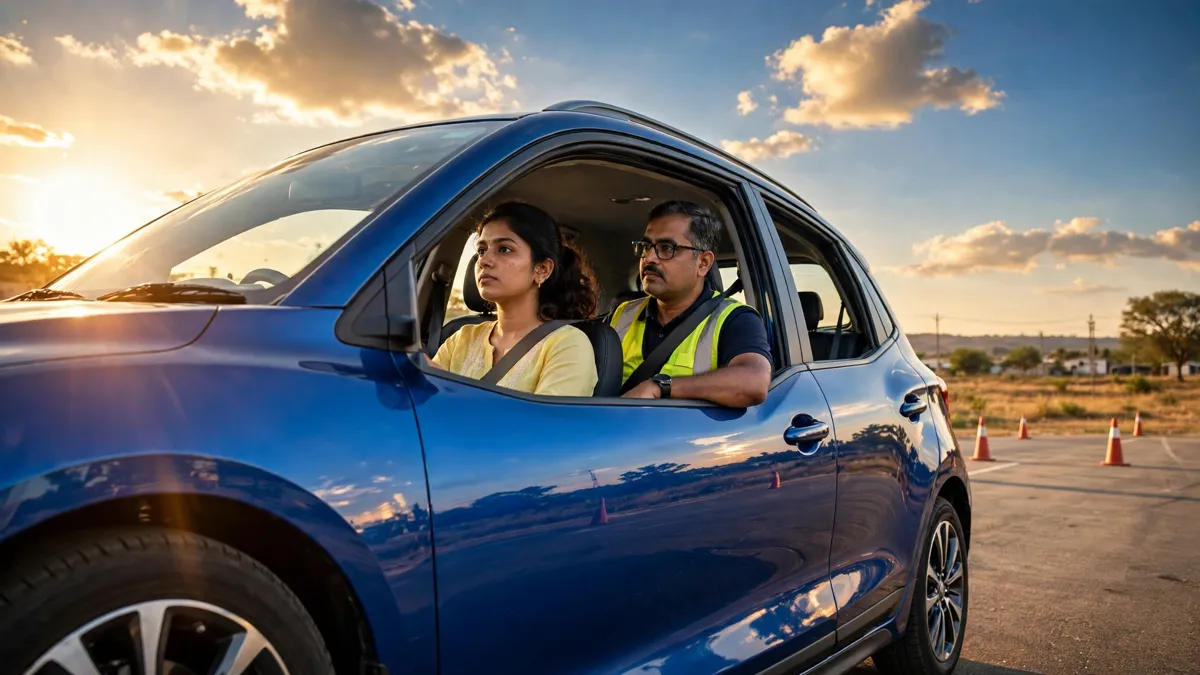
With your LLR in hand, you can start practising. Remember the conditions: drive only with a licensed supervisor beside you, display the “L” sign as required, and carry your learner licence on every drive. Never drive alone on a learner licence, because that breaks the conditions of the licence and can lead to a fine. Use the learning period seriously. Practise in low traffic areas first, then move to busier roads as your confidence grows, and practise parking, reversing, and junction discipline, because those skills are tested in the permanent licence driving test.
You can apply for a permanent driving licence after the minimum learning period prescribed on the portal, which is generally one month after the LLR issue date, and before the LLR expires. Do not leave it to the last week of validity. Book your driving test slot in good time, and make sure your vehicle documents are in order. If you want to check the vehicle you practise on, our guide to the Telangana vehicle status check explains how to look up a Telangana vehicle record, and a vehicle registration details check helps you confirm the registration details before a test or a purchase.
Common Problems and How to Fix Them
Application sent back for document correction: this usually means a scan was unclear or a document did not match the details you entered. Re-upload a clear scan and make sure the name and address match your application exactly.
Slot not available: try a different date or a nearby RTO if the portal allows it. Slots open regularly, so checking again after a day or two often helps.
Payment deducted but acknowledgement not generated: note the transaction reference, wait for some time, and check your application status on the portal before paying again. A second payment can lead to a double charge.
Record or details mismatch: if the portal shows an error about your details, compare your application against your original documents character by character. Small differences in spelling or date format are the usual cause.
Test failed: review the road signs and traffic rules sections again, practise with sample questions if the portal offers them, and rebook after the waiting period. Many applicants pass comfortably on the second attempt.
Do not pay any agent who promises a licence without a test. The learner test is mandatory, and any offer to skip it is a fraud. Use only the official portals, and if someone asks for extra money outside the portal fee, walk away. For national reference, the Parivahan portal lists the official driving licence services, and the Vahan portal covers vehicle related services.
Tips for a Smooth LLR Application
Prepare for the test before you book your slot, not after. Spend a few evenings on road signs and traffic rules, and you will walk into the test centre with confidence. Fill the form slowly and review every field before submitting, because corrections after submission take extra time. Keep your documents, acknowledgement, and application number in one folder on your phone so nothing is lost on test day. Finally, use the six month validity wisely. The LLR is a learning window, not a licence to keep renewing, so plan your permanent licence test well before it expires.
Applying for a Telangana LLR learner licence online is straightforward once you know the flow: prepare your documents, fill the form carefully, pay the fee shown on the portal, book your slot, and pass the theory test. Do that, practise responsibly under supervision, and you will be ready for your permanent driving licence with confidence.
How can I apply for a Telangana LLR learner licence online?
You can apply through the Sarathi portal or through the Telangana transport portal, by filling the learner licence form, uploading your documents, paying the fee shown on the portal, booking a test slot, and appearing for the theory test at the test centre.
What is the minimum age for a learner licence in Telangana?
You must be at least 16 years old for a gearless two wheeler up to 50cc with parent or guardian consent, and at least 18 years old for other two wheelers, cars, and other non transport vehicles.
How long is a Telangana learner licence valid?
A learner licence is generally valid for six months from the date of issue. You should apply for a permanent driving licence within that period, after completing the minimum learning period shown on the portal.
What documents do I need for an LLR application?
You generally need proof of age, proof of address, a recent photograph, and your signature, plus a medical certificate where required for your category and parent or guardian consent if you are below 18 years. Check the portal for the exact list for your vehicle class.
Can I drive alone with a learner licence?
No, you must drive only under the supervision of a person holding a valid permanent driving licence for the same vehicle class, display the “L” sign as required, and carry your learner licence whenever you drive.
What happens if I fail the learner test?
You can reappear after the waiting period shown on the portal. Review the road signs and traffic rules sections, practise again, and rebook your slot. Failing once does not block you from applying again.