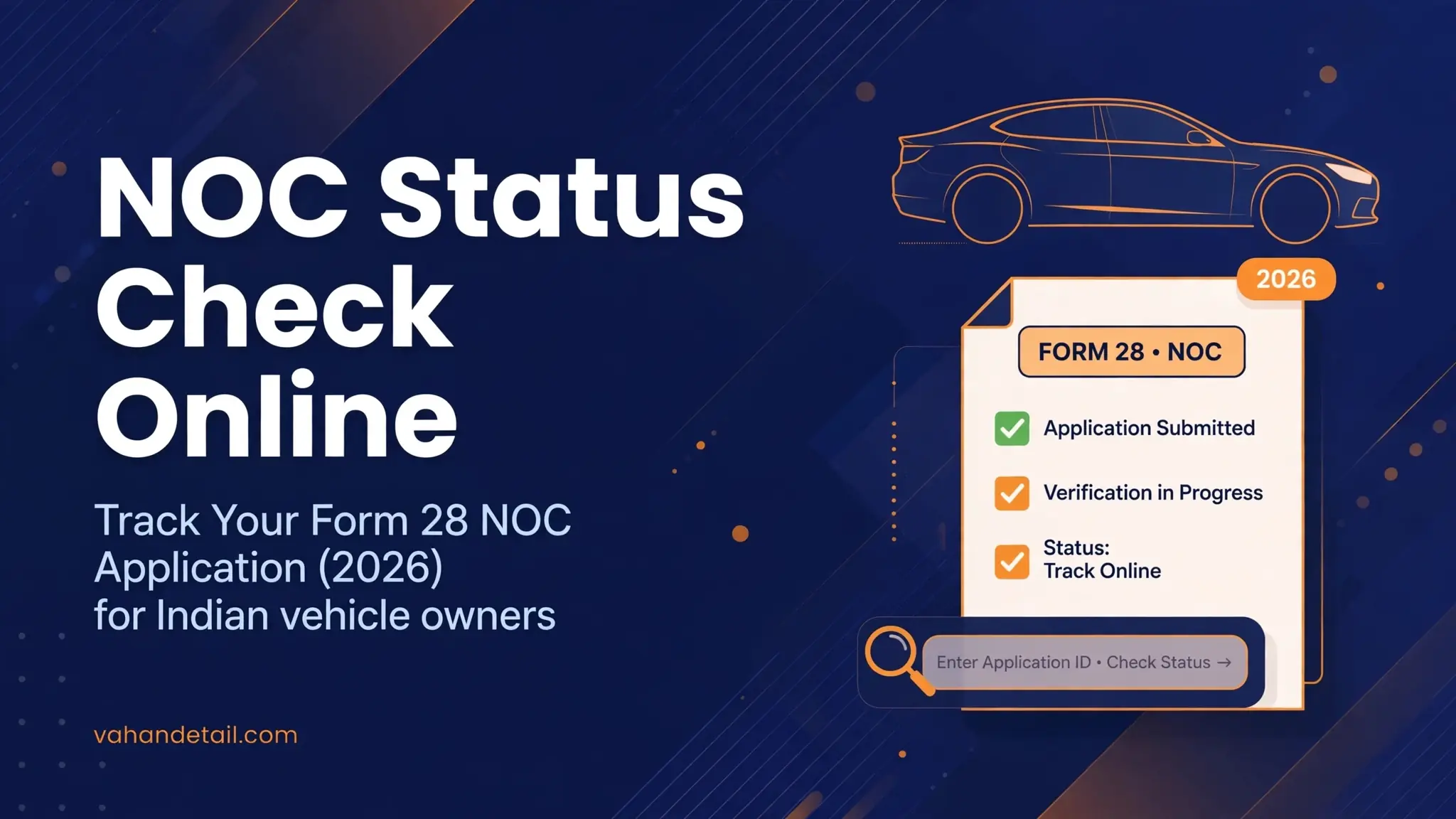
NOC Status Check Online: Track Your Form 28 NOC Application (2026)
If you have already applied for a No Objection Certificate for your vehicle, you can do a noc status check online using your application number on the Parivahan Sewa portal. Open the portal, go to Online Services and then Vehicle Related Services, select your state and RTO, click Application Status, and enter your application number with your date of birth. The portal shows exactly where your NOC request stands, from submitted to approved or issued.
How to Do a NOC Status Check Online Step by Step
Follow these steps on the official portal:
- Visit the Parivahan Sewa portal and click Online Services.
- Choose Vehicle Related Services (this opens the VAHAN citizen services page).
- Select your state from the dropdown, then select your Regional Transport Office (RTO).
- On the services menu, click Status and then Know Your Application Status.
- Enter your Application Number (shown on the acknowledgement receipt from your payment).
- Enter your Date of Birth, solve the captcha, and click Submit.
- The portal displays the current stage of your NOC application, with dates for each completed step.
Your record lives in the VAHAN portal application database, so this is the only official place to track it. Avoid third party tracking websites, since they cannot show your real application record. Keep your application number safe, because you will need it every time you check the status or download the certificate.
Open the Parivahan Sewa portal and click Online Services, then Vehicle Related Services
Visit parivahan.gov.in and open the citizen services section.
Select your state and RTO
Choose your state from the dropdown, then your Regional Transport Office.
Open Status, then Know Your Application Status
Find the application status service in the services menu.
Enter your application number from the fee acknowledgement receipt
The unique number generated when you submitted and paid.
Enter your date of birth, solve the captcha and submit
Complete the verification fields and click Submit.
Read the current stage
Submitted, under scrutiny, objection raised, approved or issued.
Understanding NOC Approval Stages
Once your NOC application is in the system, it moves through a series of stages. Here is what each stage means.
| Stage | What it means |
|---|---|
| Application Submitted | Your application and fee payment have been recorded in the portal. |
| Under Scrutiny / Verification | The RTO is checking your documents, vehicle records, challan history, and pending dues. |
| Objection Raised | The RTO found a problem, for example a document mismatch or an unpaid challan. Read the objection detail and resolve it, then resubmit. |
| Approved | Your application cleared verification, and the NOC is being prepared for issue. |
| Issued / Printed | The NOC (Form 28) has been issued and is available for download. |
| Rejected | The application could not be approved for a stated reason. Fix the issue and file fresh if needed. |
The exact wording can vary slightly between states, but the sequence is the same everywhere. If the status has not moved for a long time, see the delays section below rather than assuming the worst.

How to Download the Issued NOC (Form 28)
Once the portal shows the status as issued, your NOC is ready. The NOC is issued in Form 28 under Rule 58 of the Central Motor Vehicles Rules, and it is issued in triplicate: one copy stays with the issuing authority, one goes to you, and one goes to the RTO where you plan to re-register the vehicle.
To download it:
- Go back to the Vehicle Related Services page for your state and RTO on the Parivahan Sewa portal.
- Open Know Your Application Status and enter your application number and date of birth.
- When the stage shows as issued, use the option to view or print the certificate near the application details.
- Save the PDF and print at least two copies on clean A4 paper. Carry a printed copy with the vehicle documents during re-registration.
Form 28 itself is the NOC. There is no separate NOC letter, so if anyone asks you to pay extra for one after the portal shows it as issued, you do not need it.

What to Do If Your NOC Is Delayed
A stuck NOC application almost always has a fixable reason. These are the most common ones.
Pending challans or dues. Any unpaid traffic challan or pending road tax can hold up verification. Check your challan record on the e-Challan portal and clear dues before expecting movement.
Hypothecation not closed. If the vehicle was bought on a loan, the financier's name stays on the registration until the loan is formally closed with the RTO. An NOC usually cannot be issued until this is done. See how these formalities connect in our guide on vehicle ownership transfer online in India.
Mismatch in documents. Differences between the RC, insurance, and your application details, for example an old address or a name spelling difference, trigger an objection. Compare your documents line by line with the RC and correct the error.
RTO workload. Some RTOs process applications slowly, especially during heavy periods. If the portal still shows under scrutiny after several weeks with no objection, this may be the cause.
Theft and case verification. The RTO verifies that the vehicle is not reported stolen and that no case is pending against it. This background check adds time, especially for older vehicles.
If none of these explains the delay, visit the issuing RTO with your application number, payment receipt, and original documents and ask what the hold-up is. You can also reach support through the Sarathi portal help section, which lists contact options for Parivahan citizen services.
How Long Does NOC Issuance Take?
There is no single official timeline, and processing varies by RTO. In practice, a clean application with all documents in order is often processed within two to four weeks. Applications with objections, pending dues, or loans take longer, because verification restarts after you fix each issue.
One timing rule does matter: once issued, an NOC is generally valid for six months under Rule 58 of the Central Motor Vehicles Rules. Plan your re-registration in the new state within that window. If you let the NOC expire, you will need to apply fresh and pay the fee again.
If you are moving between states, apply only when you are reasonably ready to complete the re-registration. Our full walkthrough covers the application itself, documents, and fees: NOC for vehicle interstate transfer online. Keep your general record handy with a vahan status check online while you wait.
What is the NOC application number, and where do I find it?
It is the unique number generated when you submit the NOC application and pay the fee on the Parivahan Sewa portal. You will find it on the fee acknowledgement and payment receipt. You need it, together with your date of birth, every time you check the status or download the certificate.
Can I cancel a pending NOC application?
A pending application cannot usually be withdrawn with a button on the portal. If you no longer need the NOC, visit the issuing RTO with your application number and documents and request its cancellation. The fee you paid is generally not refundable, so apply only when you are sure you need the NOC.
Does an issued NOC expire?
Yes. Under Rule 58 of the Central Motor Vehicles Rules, the NOC is valid for six months from the date of issue. You must complete the re-registration in the new state within this period. If it expires, you have to apply for a fresh NOC and pay the fee again.
My status shows an objection. What now?
An objection means the RTO found a specific problem, such as a document mismatch, pending challan, or unpaid dues. Read the objection detail shown on the portal or ask at the RTO counter, resolve the issue, and resubmit. Your application continues from verification once the objection is cleared.
Can I track my NOC in a mobile app instead of the website?
The most reliable tracking is the website flow described above. If you use an app, make sure it is an official government app that leads to the same application status screen. Never enter your application number on unofficial tracking websites.
The status shows approved but I cannot download the certificate. What should I do?
Approved means the application cleared verification and the certificate is being prepared, while issued means it is available to download. Wait for the stage to change to issued. If it stays on approved for more than a week or two, visit the RTO with your application number and receipt to get it released.
Key Takeaways
Your noc status check online lives on the Parivahan Sewa portal under Vehicle Related Services, using your application number and date of birth. Track the stages from submitted through scrutiny to approved and issued, and treat an objection as a fixable step. Download Form 28 once the status shows issued, and remember it stays valid for six months. If the application stalls, check for pending challans, open loans, or document mismatches first, then visit the RTO with your application number.