Driving Licence Address Change Online: Sarathi Parivahan Guide (2026)
You can change the address on your driving licence online through the Sarathi Parivahan portal, without repeated RTO visits in most cases. The service updates the address printed on your licence and in the national licence record, and it is the correct route when you move house, whether within the same city or to another state.
This guide covers the exact steps for a driving licence address change online, the documents you need, the fee, and how to track the updated licence until it reaches you.
Before You Start: Is This the Right Service?
A driving licence address change is different from three services people often confuse it with:
- Licence renewal: Extends an expiring licence. If your licence is also close to expiry, renew first or handle both as the portal directs. Our driving licence renewal online guide covers renewal separately.
- Duplicate licence: Replaces a lost or damaged licence with the same details. It does not change your address.
- RC address change: Updates the address on a vehicle’s Registration Certificate, not your licence. That is a VAHAN service, covered in our change address in RC online Form 33 guide.
If only your residential address has changed and your licence is otherwise valid, the Sarathi address-change service is the right one.
Documents Needed for a DL Address Change
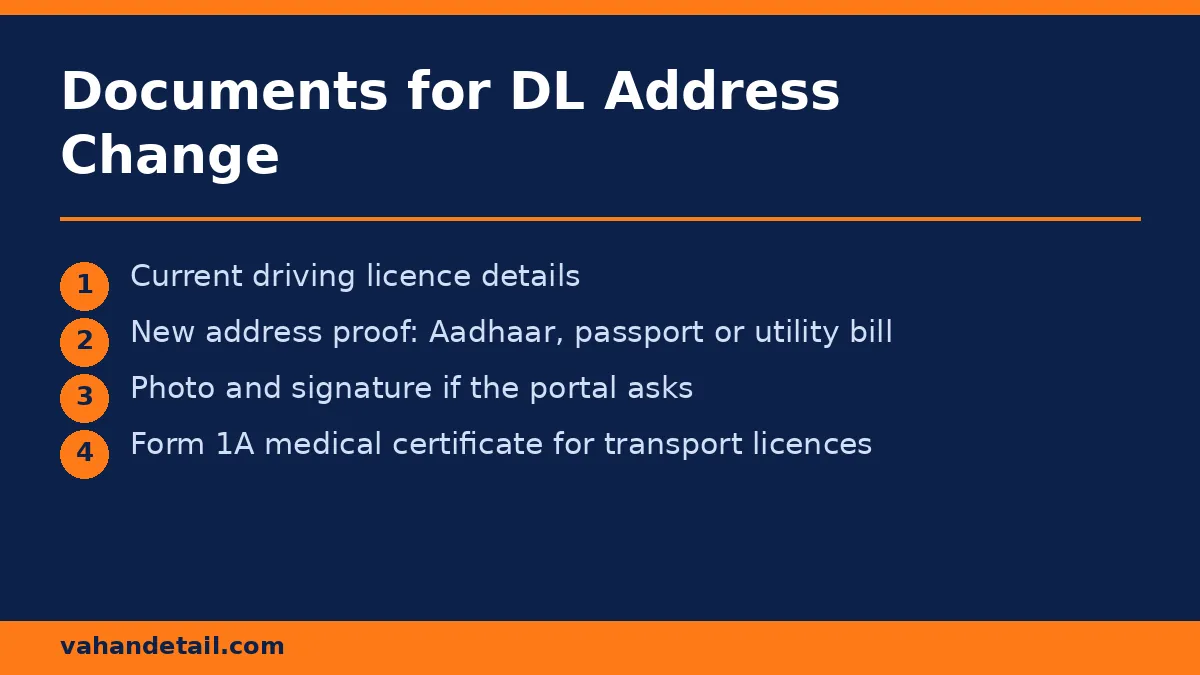
Keep scanned copies ready before you start, since the portal asks for uploads during the application:
- Current driving licence (original details, including licence number and date of issue)
- Proof of new address: Aadhaar card, passport, utility bill, rental agreement, or voter ID showing the new address. Aadhaar is the most commonly accepted proof.
- Passport-size photograph and signature in the format the portal specifies, if the application asks for fresh uploads
- Medical certificate (Form 1A) for transport-category licences and for applicants above the age thresholds the portal indicates. Private non-transport licences generally do not need it, but follow what the portal shows for your licence class.
The portal displays the exact document list for your licence type once you select the service, so treat this list as preparation, and the portal’s list as final.
Driving Licence Address Change Online: Step by Step
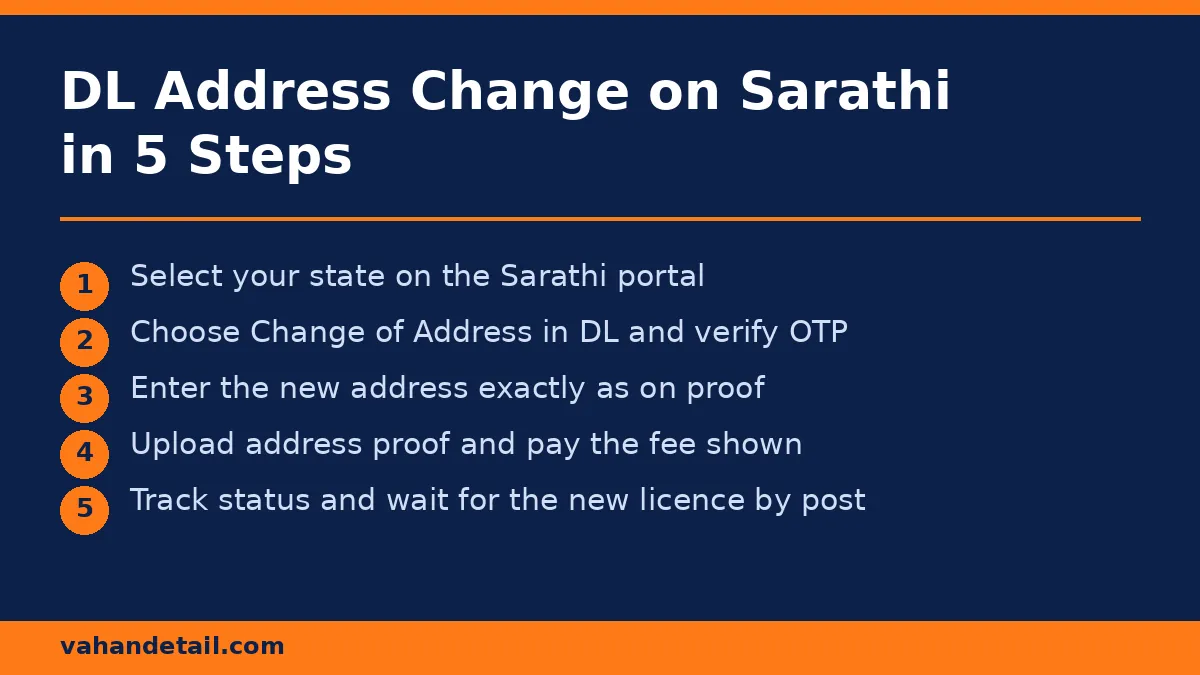
- Open the Sarathi Parivahan portal and select your state from the list.
- Choose “Apply for Change of Address in DL” (listed under driving licence related services) and read the instructions page.
- Enter your driving licence number and date of birth, then verify with the OTP sent to your registered mobile number.
- Fill the application form with your new address exactly as it appears on your address proof document. Even small mismatches between the form and the proof can delay approval.
- Upload the address proof and any other documents the portal requests.
- Pay the fee shown on the portal through the online payment option. The portal displays the exact amount before you pay, so confirm it on screen rather than relying on any figure quoted elsewhere.
- Book a slot or visit the RTO only if the portal asks for biometric verification or document verification for your case. Many straightforward address changes are processed without a visit, but the portal decides this case by case.
- Submit the application and save the application number and the acknowledgement receipt.
After submission, you can track progress on the same portal using the application number. Our driving licence application status online guide explains each status message you may see.
How to Track Your Updated Licence
- Return to the Sarathi portal at https://sarathi.parivahan.gov.in, select your state, and open “Application Status” under the driving licence services.
- Enter the application number and date of birth.
- The status screen shows the current stage: scrutiny, approval, printing, and dispatch.
- Once dispatched, the updated licence is sent to your new address by post. Delivery time varies by state and postal service, so allow a few weeks after dispatch before raising a query.
If the status stays at one stage for an unusually long time, contact the RTO that issued your licence, quoting the application number. Keep the acknowledgement receipt until the new licence arrives.
Common Mistakes That Delay an Address Change
- Address proof does not match the form: Copy the address exactly from the proof document, including pin code.
- Old address on Aadhaar: If your Aadhaar still shows the old address, update it first, since a mismatch between Aadhaar and the application is a common rejection reason.
- Wrong licence category selected: Make sure you pick the address-change service, not renewal or duplicate, or the application will be processed incorrectly.
- Unpaid challans or holds: Pending enforcement actions on the licence can block related services. Check and clear pending fines on the e-Challan portal before applying.
- Missing the RTO visit when one is required: If the portal asks you to visit for verification, the application does not move forward until you go.
Moving to Another State: What Changes
An address change within the same state is straightforward. If you move to a different state, the address change still goes through Sarathi, but your licence record moves to the new state’s RTO system. Keep your old licence safe until the new one arrives, and carry the acknowledgement receipt with the old licence in the meantime. If you also own a vehicle, remember the vehicle’s RC address is a separate update through VAHAN, covered in our change address in RC online Form 33 guide.
Can I change my driving licence address online?
Yes. The Sarathi Parivahan portal offers a Change of Address in DL service for most states. Select your state, verify with OTP, fill the new address, upload proof, pay the fee shown, and submit.
What documents are needed for a DL address change?
Your current licence details, proof of the new address (Aadhaar, passport, utility bill, or similar), and a photograph and signature if the portal requests them. Transport licences may need a medical certificate.
How long does a driving licence address change take?
Processing time varies by state and RTO workload. Track the application on the Sarathi portal with your application number, and allow a few weeks for printing and postal delivery after approval.
Do I need to visit the RTO for a DL address change?
Not always. Many applications are processed fully online, but the portal may ask for a verification visit in some cases. Follow the instructions shown after you submit.
Is the fee fixed for a DL address change?
The portal displays the applicable fee during the application, and it can vary by state and licence class. Confirm the amount on screen before paying.
Can I change my DL address and renew my licence together?
The portal treats them as separate services. If your licence is near expiry, complete the renewal as directed by the portal, and handle the address update alongside it if the portal offers that combination for your state.
Change the address on your driving licence online via Sarathi Parivahan.
Open Sarathi and select your state
Open sarathi.parivahan.gov.in and select your state from the list.
Choose Change of Address in DL
Choose Apply for Change of Address in DL under driving licence related services.
Verify with OTP
Enter your driving licence number and date of birth, then verify with the OTP sent to your registered mobile.
Fill the new address
Fill the application form with your new address exactly as it appears on your address proof.
Upload documents and pay
Upload the address proof and other requested documents, then pay the fee shown on the portal.
Submit and track
Submit the application, save the application number, and track scrutiny, approval, printing and dispatch on Sarathi.