Manipur Vehicle Status Check: RC and Challan Status Online (2026)
If your vehicle is registered in Manipur, you can check its RC status and pending challans online through the national Parivahan portals, without a trip to the transport office in Imphal. The process is the same one used across India, and it works for any Manipur registered vehicle, whether it carries an Imphal series number or a district series number. This guide gives you the exact steps for both checks, explains how to read the result, and covers what to do when a detail does not match your papers.
In short: use the Know Your Vehicle Details service on Parivahan for the RC record, and the eChallan portal for challans. You need only the registration number to start, and the whole exercise takes under five minutes when the portals respond normally.
Manipur vehicle status at a glance
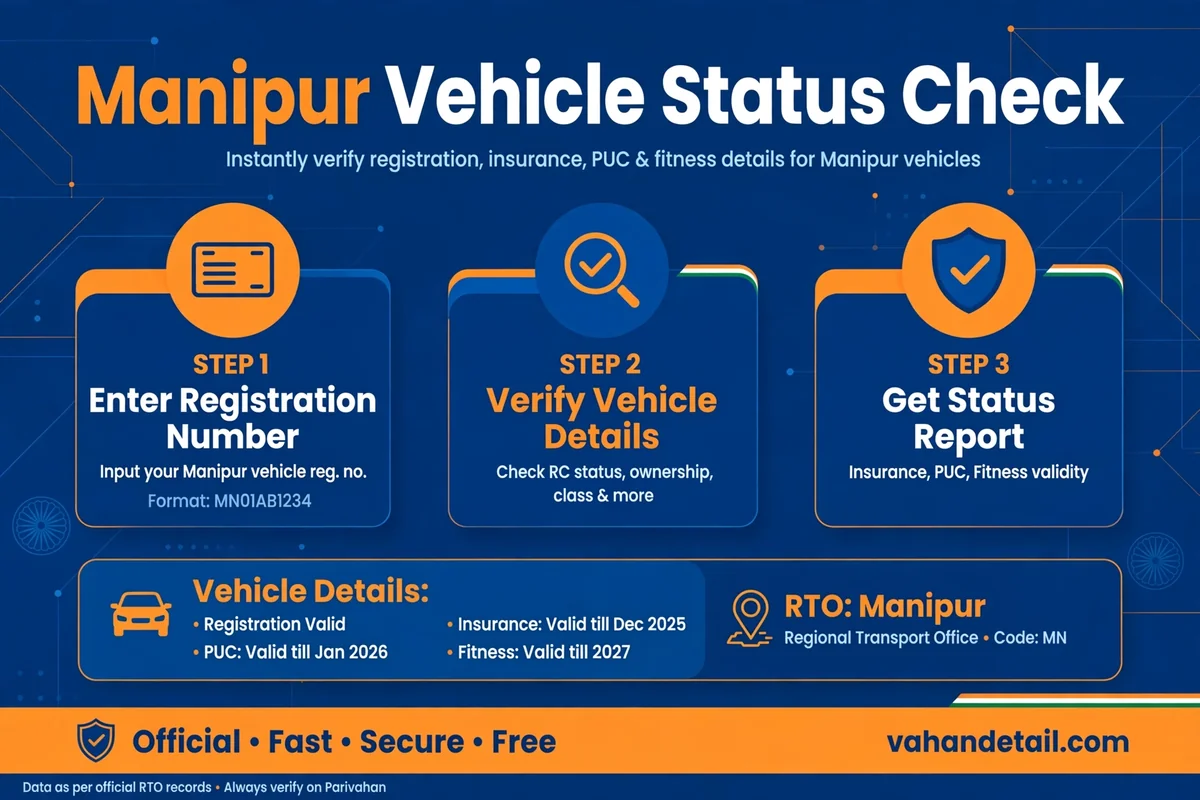
Manipur registered vehicles carry number plates beginning with the state code MN. The main registering authority is in Imphal, where the MN-01 series is issued, and district transport offices across the state handle registrations for their own districts under their own MN series codes. The Transport Department of Manipur administers these offices under the Motor Vehicles Act, 1988, and its department pages are hosted on the Manipur government portal, while the live status records are published on the national Parivahan system. So when you check a Manipur vehicle online, you are reading the national database copy of the state record, which is why the steps below match the rest of India.
Two checks, two different answers. The RC check tells you about the registration itself: owner details on file, vehicle class, registration date and validity, and the linked insurance, fitness, and tax dates. The challan check tells you whether any traffic fine is pending against the vehicle. A vehicle can have a perfectly valid RC and still carry an unpaid challan, and that challan can block a transfer or renewal later, so always run both.
How to check Manipur RC status online
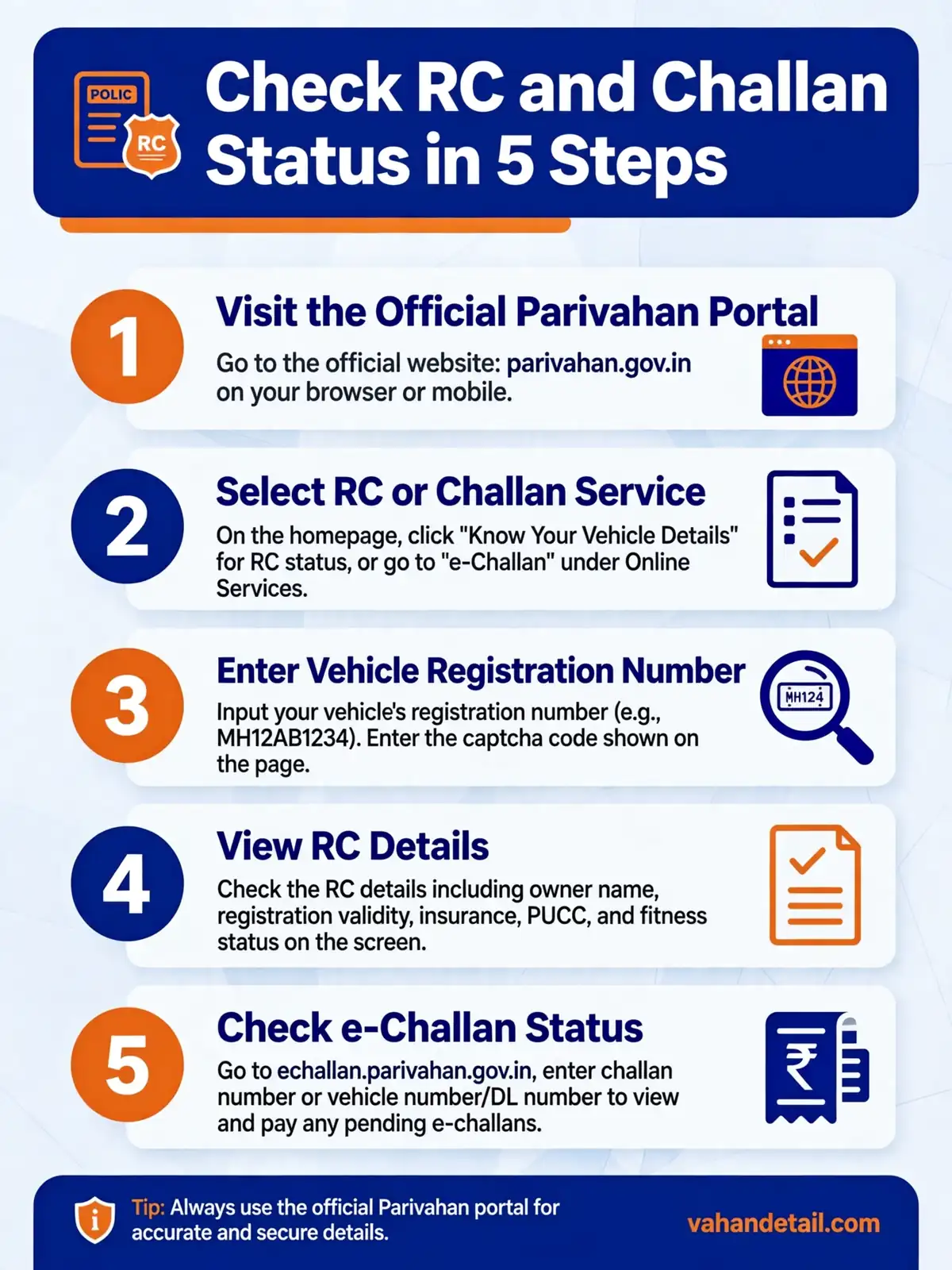
- Open the Parivahan Sewa portal at parivahan.gov.in and go to Online Services, then Vehicle Related Services.
- Choose Know Your Vehicle Details from the informational services.
- Type your full registration number exactly as it appears on the RC, for example MN 01 AB 1234.
- Complete the verification shown on screen and submit.
- Read the RC summary: registration number, vehicle class, fuel type, date of registration, and the validity dates for fitness, insurance, and road tax. Compare each field with your RC.
The mParivahan mobile app shows the same record. Enter the registration number in the app and it fetches the same Parivahan data, which is useful if you are checking on the road and want a quick confirmation. The app also lets you keep a digital RC and driving licence, which officers generally accept, though the original documents remain the safest thing to carry.
Expect some fields to be masked. The public result hides the full owner name and parts of the chassis and engine numbers for privacy. That is normal and does not mean the record is incomplete. If you need the full unmasked record, for a loan file or a legal matter, apply to the registering authority with proof of ownership.
How to check Manipur e-challan status online
- Open the eChallan portal at echallan.parivahan.gov.in and select Check Challan Status.
- Search using the challan number, the vehicle number, or the driving licence number.
- Enter the captcha and submit to see all pending challans, with the violation, date, place, and amount for each.
- Pay any pending challan online from the same page through net banking, card, or UPI, and download the receipt at once.
- Keep the receipt until the challan clears from the pending list, because the record can take a day or two to update after payment.
Read the status carefully. A challan shown as pending is simply unpaid. A challan marked for virtual court has moved to the next stage, and the portal will show the court process instead of the simple payment button. Do not leave a virtual court challan unattended, since an unresolved challan can hold up services like ownership transfer.
Our guide to challan check online state-wise portals explains how the same national challan system works for vehicles registered in other states, which helps if your family runs vehicles with different state plates.
Documents to keep ready
The status portals do not ask you to upload documents for a basic check. But keep these at hand so you can verify the portal output:
- Registration Certificate (RC), as a smart card or a digital copy in DigiLocker or mParivahan.
- Valid motor insurance policy, with its expiry date.
- Pollution Under Control (PUC) certificate, where applicable.
- Driving licence.
- For transport vehicles, fitness certificate and permit details.
When a validity date on the portal has already passed, renew that document before anything else. An expired insurance or fitness entry on the record can draw a challan during checking even when the RC itself is valid. The general RC status check online guide describes each validity field in plain language if you want more detail.
What to do if something looks wrong
Most mismatches are timing issues. After an ownership transfer, an address change, or an insurance renewal, the national database can take several days to catch up. Check again after a week. If the wrong detail is still there, visit the registering authority that issued the RC with the original documents and the papers for the recent transaction, and request a correction.
If a challan looks wrong, note its number, date, place, and violation before you do anything. Check whether the vehicle could have been at that place on that date. If you want to dispute it, use the option shown on the eChallan portal to approach the concerned authority or the virtual court. If the violation is genuinely yours and the amount is small, paying promptly is usually the cheapest way out.
If no record appears at all, the likeliest cause is a typing error, especially confusing zero with the letter O. Old records that were never digitised are the other possibility, and only the registering authority can confirm those from its own registers.
When a visit to the transport office is still needed
Online checks cover status, but some jobs remain offline or partly offline: duplicate RC, transfer with a closed loan, and fitness inspection for transport vehicles. For those, the registering authority in Imphal or your district office is the place to go, carrying originals plus photocopies of the RC, insurance, PUC, identity proof, and address proof, and keeping the acknowledgement receipt for anything submitted. Before travelling, check the Parivahan vehicle services menu, because many services that once needed a visit are now completed online.
For the wider national process, see our Vahan status check online guide, and for how the same check works in neighbouring states, the Assam vehicle status check guide and the Odisha vehicle status check guide are useful comparisons.
Frequently asked questions
How do I check Manipur vehicle RC status online?
What is the RTO code for Imphal?
How can I check a pending challan for a Manipur registered vehicle?
Why does the RC result hide the owner name?
My Manipur vehicle record is missing on Parivahan. What now?
How to check Manipur vehicle status: quick steps
- Open parivahan.gov.in and go to Vehicle Related Services.
- Select Know Your Vehicle Details and enter your MN registration number.
- Verify the RC summary, especially fitness, insurance, and tax validity dates.
- Open echallan.parivahan.gov.in and check challan status by vehicle, challan, or licence number.
- Pay any pending challan online and keep the receipt until the record clears.
- For any mismatch, wait a week for database updates, then visit the registering authority with original documents.
A regular Manipur vehicle status check is a small habit that prevents bigger trouble. Run the RC check and the challan check together, watch the insurance and fitness expiry dates, and clear pending challans before they escalate. That is all it takes to keep an MN registered vehicle fully compliant.