Andaman and Nicobar Vehicle Status Check Online: RC and Challan (2026)
You can check Andaman and Nicobar vehicle status online in under two minutes using the national VAHAN portal for registration details and the e-Challan portal for pending traffic fines. All you need is the vehicle registration number, such as AN-01-AB-1234, and both portals work for vehicles registered anywhere in the islands, from Port Blair to Car Nicobar.
This guide walks you through the exact steps for an Andaman and Nicobar vehicle status check, explains what each field in your vehicle record means, and shows how to read the RTO codes used across the Union Territory.
Andaman and Nicobar Vehicle Status Check: The Two Official Routes
There are two different checks, and most owners need both at different times. The RC and registration check tells you the vehicle’s legal record, while the challan check tells you whether any traffic fine is pending against it.
For registration details, use the VAHAN portal. For pending fines, use the e-Challan portal. Both are run by the Ministry of Road Transport and Highways, and both are free for a basic status check. If you are checking a vehicle you plan to buy, run both checks before paying anything, and also read our guide to RC status check online for the full list of documents to verify.
How to Check RC and Registration Status on VAHAN
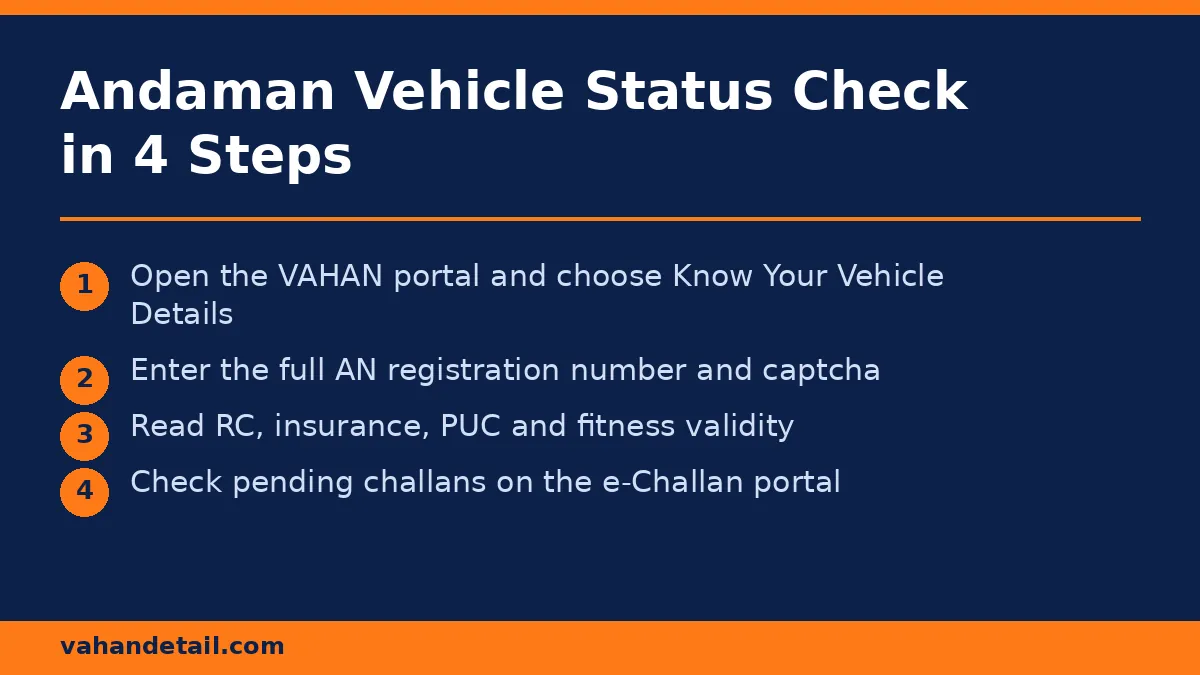
The VAHAN portal holds the national vehicle register, so island registrations appear there just like mainland ones. Follow these steps:
- Open the VAHAN portal at https://vahan.parivahan.gov.in and choose “Know Your Vehicle Details” from the online services menu.
- Enter the full registration number exactly as printed on the number plate, for example AN-01-AB-1234.
- Complete the captcha verification and submit the form.
- The portal displays the vehicle record: registering authority, registration date, chassis number (partially masked), engine number (partially masked), fuel type, vehicle class, fitness validity, insurance validity, PUC validity, and any pending challans flagged against the vehicle.
If the record shows a financier name under hypothecation, the vehicle still has an active loan recorded against it. That matters a lot for buyers, so read our guide on how to check hypothecation status of a vehicle online before completing a purchase.
How to Check Pending Challans for an Andaman Vehicle
Traffic fines in the islands are issued through the same national e-Challan system used across India. To check:
- Open the e-Challan portal at https://echallan.parivahan.gov.in and select “Check Challan Status”.
- Search by vehicle number, challan number, or driving licence number.
- Enter the captcha and submit. The portal lists every unpaid challan with the violation, date, place, and fine amount.
- You can pay an unpaid challan on the same portal using UPI, net banking, or a card, and download the payment receipt as proof.
Unpaid challans can now block other services, so do not leave them pending. Our guide to check and pay traffic challan online via Parivahan explains the payment and dispute process in detail, and our PUC certificate check online guide covers the pollution certificate check that enforcement cameras increasingly rely on.
Andaman and Nicobar RTO Codes Explained
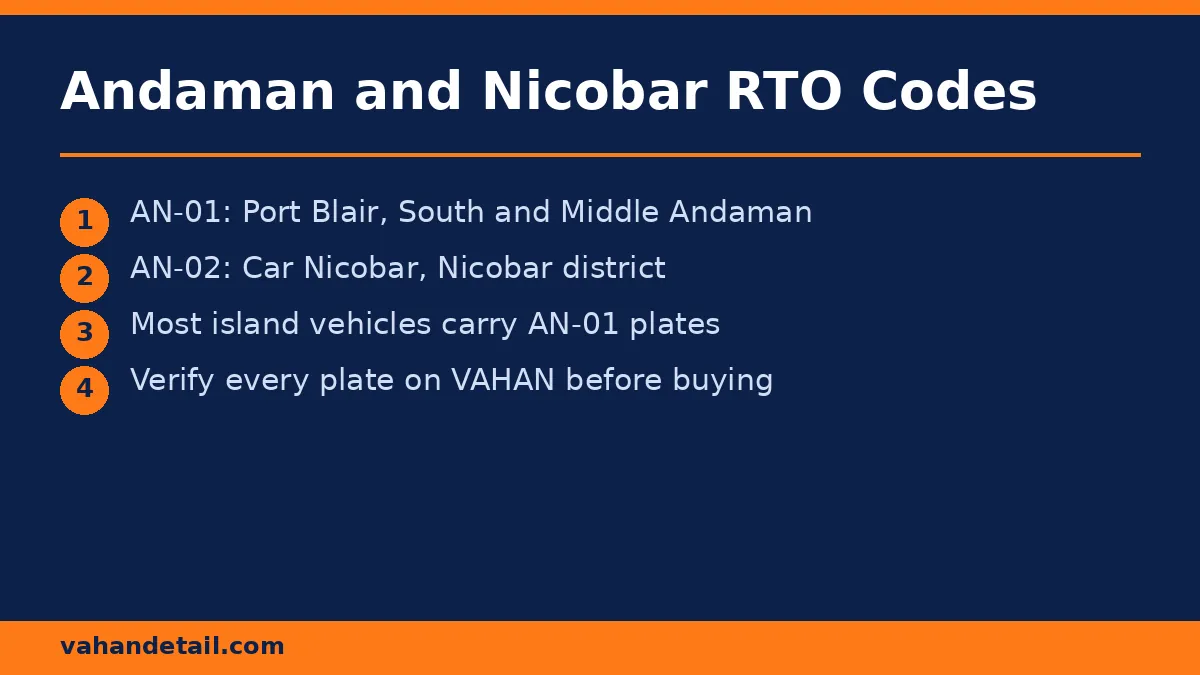
Vehicle numbers in the islands start with AN, the state code for Andaman and Nicobar Islands, followed by an RTO code. The two main codes are:
| RTO code | Office | Covers |
|---|---|---|
| AN-01 | Port Blair (Sri Vijaya Puram), Directorate of Transport, Tagore Road | South Andaman and Middle Andaman, including the Ferrargunj sub-office. |
| AN-02 | Car Nicobar | Nicobar district. |
Most vehicles you will see on the islands carry AN-01 plates, since Port Blair is the main registration centre. If a plate shows AN-02, the vehicle is registered in the Nicobar district. The code on the plate tells you where the vehicle record sits, which is useful when you need to visit the right office for an offline service.
What Your Vehicle Status Record Tells You
A VAHAN record is more than a name and number. Here is how to read the fields that matter most:
- Registration date and validity: For a private car or bike, the RC is valid for 15 years from first registration, then renewable in 5-year blocks. A record close to expiry is a prompt to renew, not a reason to panic.
- Fitness validity: Commercial vehicles carry a fitness certificate with its own expiry. Driving with an expired fitness certificate attracts a fine.
- Insurance validity: The record shows whether insurance is current. Third-party insurance is legally mandatory for every vehicle on the road.
- PUC validity: The pollution under control certificate expiry appears here too. Keep it current, since camera-based enforcement can flag an expired PUC automatically.
- Blacklist or hypothecation flags: A blacklist entry usually means pending dues or an enforcement hold. A hypothecation entry means a financier’s interest is recorded. Both need clearing before a sale or transfer goes through.
If any field looks wrong, for example a spelling error in the owner name, it can be corrected through VAHAN or at the registering office with supporting identity documents.
Common Problems and How to Fix Them
“No record found” on VAHAN. First, recheck the number plate format, including the series letters. Older records and some island registrations may take longer to reflect online after a transfer or renewal. If the problem persists, contact the Directorate of Transport office in Port Blair with the RC copy.
Challan paid but still showing as pending. Payment reconciliation can take a day or two. Keep the payment receipt, and if the challan still shows after 48 hours, raise it through the e-Challan portal’s grievance option with the transaction reference.
Vehicle bought from another state. A vehicle registered in another state keeps its old number until it is re-registered in the islands. Check the NOC and road tax position before buying, since inter-state transfers need both.
Internet access on remote islands. If the portal loads slowly on a mobile connection, try the SMS route or visit the nearest transport office. The VAHAN SMS service guide lets you fetch basic vehicle details by text message without a data connection.
Why Regular Status Checks Matter in 2026
Enforcement in India is now largely digital. Camera-based challans, PUC-linked checks, and the Supreme Court’s 2026 direction linking unpaid challans to RC, PUC, and licence services mean a small pending item can block a renewal months later. A two-minute check every few months catches expired PUC, lapsed insurance, and unpaid fines while they are still easy to fix.
How do I check Andaman and Nicobar vehicle status online?
Open the VAHAN portal, choose Know Your Vehicle Details, enter the full registration number, and complete the captcha. The portal shows the RC record, insurance, PUC, fitness validity, and any pending challans.
What is the RTO code for Port Blair?
Port Blair uses AN-01. The office is the Directorate of Transport on Tagore Road, Port Blair (Sri Vijaya Puram), and it covers South Andaman and Middle Andaman.
Can I check pending challans for an AN-registered vehicle?
Yes. Use the e-Challan portal and search by vehicle number. You can view and pay pending fines on the same portal.
Is the VAHAN vehicle status check free?
Yes, the basic vehicle details lookup on the VAHAN portal is free. You do not need to pay any agent or third-party site for it.
What should I check before buying a used vehicle in Andaman and Nicobar?
Check the RC record on VAHAN, pending challans on the e-Challan portal, insurance and PUC validity, and whether the vehicle shows any hypothecation or blacklist entry. Match the chassis and engine numbers with the physical vehicle before paying.
Why does my vehicle show AN-02 instead of AN-01?
AN-02 is the Car Nicobar RTO code for the Nicobar district. The code simply reflects where the vehicle was registered, and the vehicle remains fully valid across India.
Check RC details on VAHAN and pending challans on the e-Challan portal.
Open the VAHAN portal
Open vahan.parivahan.gov.in and choose Know Your Vehicle Details.
Enter the registration number
Enter the full registration number exactly as printed on the number plate, for example AN-01-AB-1234.
Complete the captcha
Complete the captcha verification and submit the form to view the vehicle record.
Review the vehicle record
Check the registering authority, registration date, insurance, PUC and fitness validity, and any hypothecation or blacklist flags.
Check pending challans
Open the e-Challan portal and search by vehicle number to see unpaid fines.
Pay any pending challan
Pay an unpaid challan on the e-Challan portal using UPI, net banking or a card, and save the payment receipt.