PUC Certificate Download Online by Vehicle Number (2026)
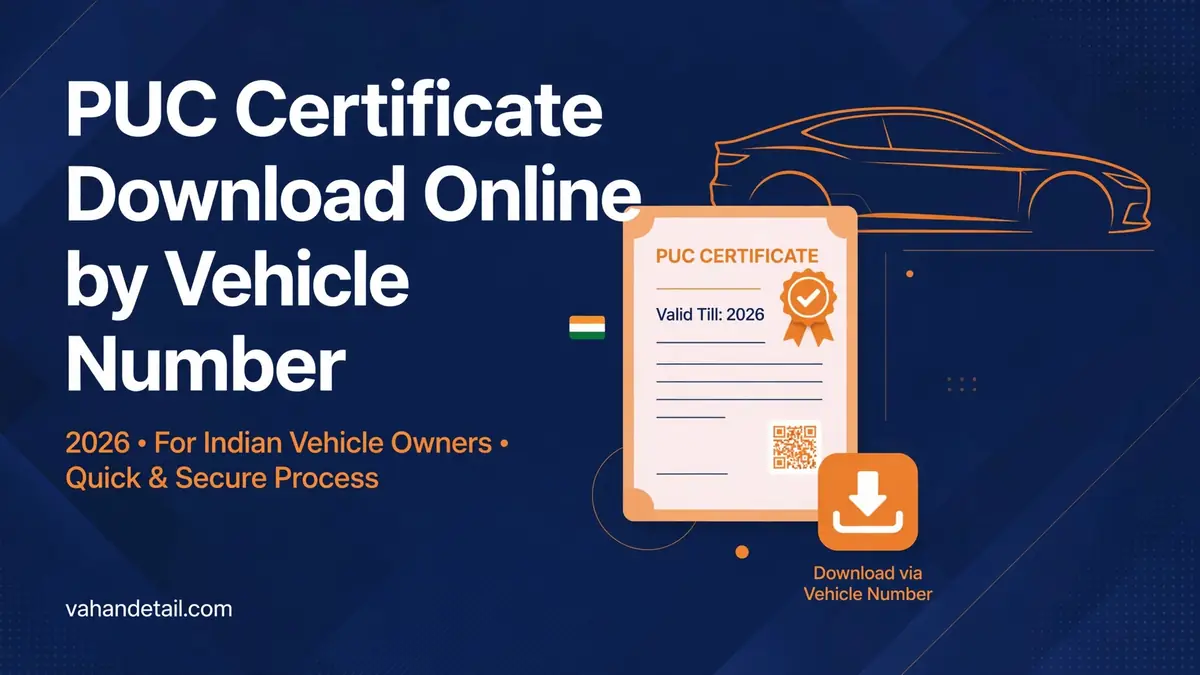
If you need to download puc certificate online, the good news is that you do not have to visit a testing centre again. As long as your vehicle already passed a pollution test at an authorised centre, you can reprint the certificate from the official Parivahan PUC portal using just your vehicle registration number and the last five characters of your chassis number.
What You Need Before You download puc certificate online
The online download is a reprint facility. It only works if a valid PUC record already exists in the national vehicle database. Have these two things ready:
- Vehicle registration number exactly as printed on your RC, for example DL1CA1234.
- Last five characters of your chassis number (alphanumeric). You will find the full chassis number on your Registration Certificate (RC), so this step doubles as a good reason to keep a photo of your RC on your phone.
You do not need to create an account or log in anywhere. The whole process takes under five minutes.
How to download puc certificate online: step by step
Follow these steps on the official portal.
Step 1: Open the Parivahan PUC portal. Go to puc.parivahan.gov.in in your browser. You can also reach the same section from the main VAHAN portal at vahan.parivahan.gov.in by choosing the PUC menu option.
Step 2: Open the PUC Certificate page. On the PUC portal, click the PUC Certificate option. This takes you to the lookup form where you fetch your certificate details.
Step 3: Enter your vehicle registration number. Type the number exactly as it appears on your RC, without spaces. A wrong digit here will return no record.
Step 4: Enter the last five characters of your chassis number. Carefully copy only the final five characters from your RC. Chassis numbers mix letters and digits, so double check zeros against the letter O.
Step 5: Fill in the security code. Type the captcha code shown on screen. If it is hard to read, refresh it for a new one.
Step 6: Click PUC Details. The portal will fetch your PUC record and display it on screen, including the issue date, expiry date, emission readings and the testing centre details.
Step 7: Download or print the certificate. Use the download or print button on the page to save a PDF copy to your phone or computer. Keep this PDF in your phone storage so you can show it at a traffic check or an emissions drive without hunting for the paper copy.
That is the complete flow. If you have already confirmed that your certificate exists using our PUC certificate status check guide, the download page is the next logical step to get the actual document in your hands.
Open the Parivahan PUC portal
Go to puc.parivahan.gov.in in your browser, or reach the same section from the main VAHAN portal at vahan.parivahan.gov.in by choosing the PUC menu option.
Open the PUC Certificate page
On the PUC portal, click the PUC Certificate option to open the lookup form where you fetch your certificate details.
Enter your vehicle registration number
Type the number exactly as it appears on your RC, without spaces. A wrong digit here will return no record.
Enter the last five characters of your chassis number
Carefully copy only the final five characters from your RC. Chassis numbers mix letters and digits, so double check zeros against the letter O.
Fill in the security code
Type the captcha code shown on screen. If it is hard to read, refresh it for a new one.
Click PUC Details
The portal will fetch your PUC record and display it on screen, including the issue date, expiry date, emission readings and the testing centre details.
Download or print the certificate
Use the download or print button on the page to save a PDF copy to your phone or computer. Keep this PDF in your phone storage so you can show it at a traffic check.
What If the Portal Shows No Record?
This is the most common problem people hit. Here is what no record usually means, and what to do about it.
Your PUC test was never uploaded. The most frequent cause is that the testing centre did the test but never uploaded the result to the national register. Only authorised PUC testing centres can issue and upload PUC records. As a vehicle owner, you cannot generate a PUC certificate yourself online. The fix is to contact the centre where the test was done and ask them to upload it, or simply get the test redone.
You entered the wrong chassis characters. This is easy to miskey. Reopen your RC photo and try again, watching for similar looking characters like 1 and I, or 0 and O.
The certificate expired. Very old records can stop showing. If your last test was over a year ago, you almost certainly need a fresh test at an authorised centre.
Your centre was not authorised. Unfortunately, a few unauthorised operators issue fake certificates that are never recorded anywhere. A certificate that never appears on the official portal is a strong warning sign that it is not genuine.
If none of these explain it, the safest move is to visit an authorised centre, have the emission test done properly, and ask the operator to confirm that the record is uploaded before you leave.
How to Verify a Downloaded PUC’s QR Code
Scan the QR code with your phone. Open your phone’s camera app and point it at the QR code on the certificate. Most modern phones read QR codes natively; if yours does not, any free QR reader app will do.
Compare the decoded details. The scan should show the vehicle registration number, the certificate number, issue and expiry dates and emission data. Make sure these match what is printed on the certificate itself and what the portal shows for your vehicle number.
Cross check on the portal. If anything in the QR data looks off, or the code will not scan, re-enter your vehicle number and chassis characters on the PUC portal. A genuine certificate always has a matching record there. No matching record means the certificate cannot be trusted.
When Do You Need a Fresh Test Instead of a Download?
Remember the distinction: downloading is for certificates that already exist. You need a physical test at an authorised centre when:
- Your PUC has expired and no fresh test has been done since.
- This is the first PUC after your new vehicle’s initial validity period ends.
- The portal shows no record for your vehicle at all.
- Your vehicle failed the last test and was repaired.
New vehicles generally get a one year PUC validity from the date of registration. After that, certificates are usually valid for six months, though the exact period can vary by state and emission norms. The downloaded certificate itself shows the exact expiry date, so rely on that rather than guessing.
If you are also tracking other documents, our RC status check guide explains how to pull up your registration details online in the same way.
Can I download a PUC certificate online without a chassis number?
No. The portal requires the last five characters of your chassis number along with the registration number. This protects the record from misuse. The chassis number is printed on your RC, so keep an RC photo handy.
Is the downloaded PUC certificate legally valid?
Yes. A digital copy downloaded from the official Parivahan portal is treated the same as the paper certificate by enforcement agencies. Documents shown in electronic form are accepted under the Central Motor Vehicles Rules, 1989, and Ministry guidelines.
Does downloading cost anything?
No. The download or reprint itself is free. You only pay the testing fee (typically between Rs. 60 and Rs. 100 depending on state and vehicle type) when a fresh emission test is done at an authorised centre.
My mobile number is not linked to my RC. Will that block the download?
No. The PUC certificate download only asks for the registration number, the last five chassis characters and the security code. No mobile OTP is needed for this step.
The centre says they issued my PUC but the portal shows nothing. What now?
Give the centre a short time to complete the upload, then recheck. If it still does not appear, ask the centre to confirm the upload using your registration number, or have the test redone at a centre you trust. Only records in the national register count as issued.
Can I get a PUC certificate completely online without any physical test?
No. A new PUC requires a physical emission test of the vehicle at an authorised testing centre using calibrated equipment. The online facility is only for downloading certificates that were already issued after a real test.